Advance Excel
Master advanced spreadsheet techniques with the Advance Excel course from Grey Learn. Learn powerful Excel functions, Pivot Tables, dashboards, data analysis, automation, and reporting tools that help improve productivity and decision-making. This course is designed for students, professionals, and business users looking to enhance their data management and analytical skills using Microsoft Excel.



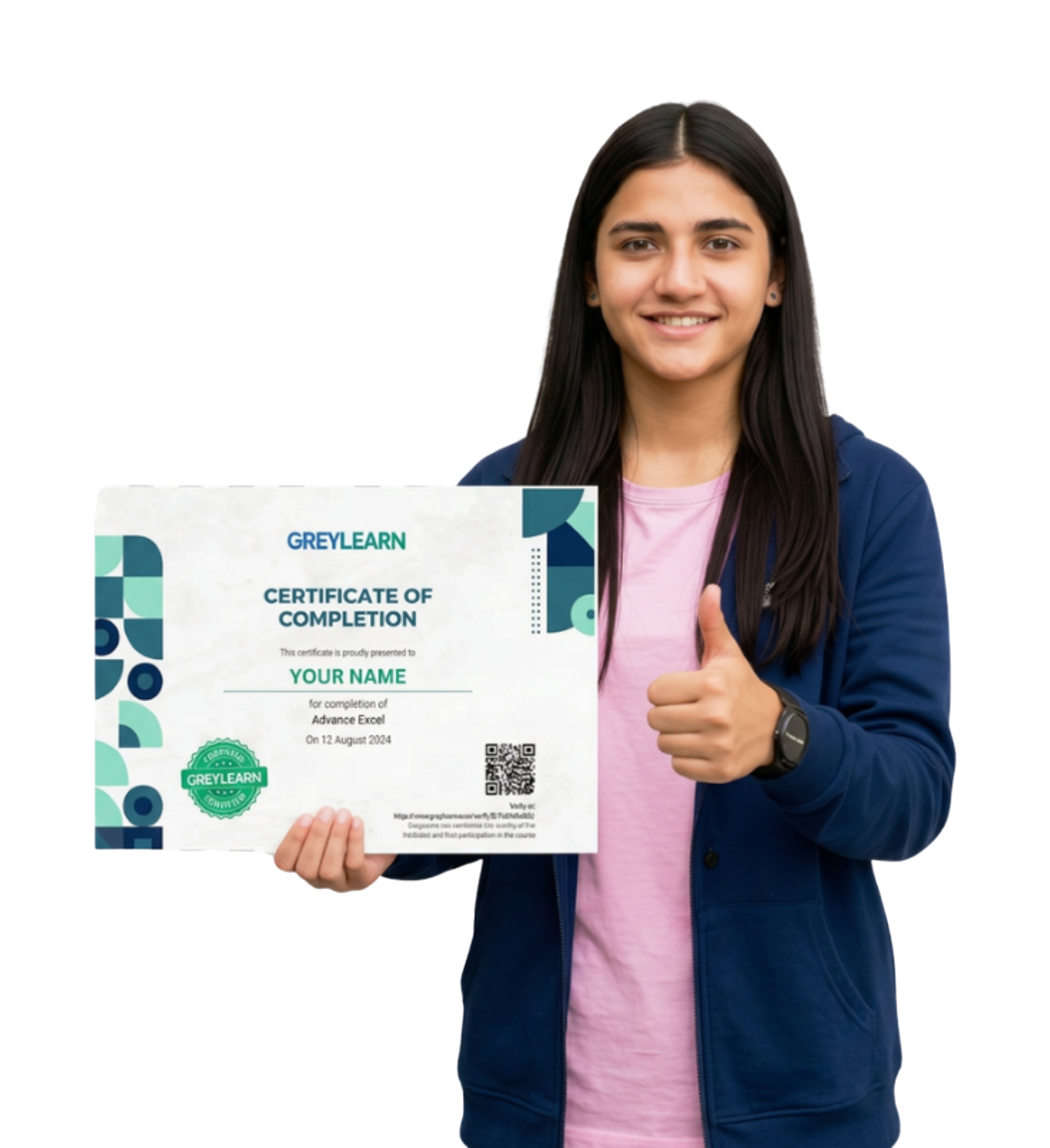
The Certificate course for you!
Perform data cleaning and management efficiently
Automate repetitive tasks using Excel features.
Analyze large datasets and generate business insights.
What Will You Learn?
Gain practical skills applicable across multiple industries
Strengthen your resume with in-demand Excel expertise.
Open career opportunities in finance, analytics, and administration.
Develop professional reporting and dashboard creation abilities.
Course Curriculum
- Introduction to Excel: Purpose and applications. 0:02 Min
- Navigating the ribbon tags and workbooks 0:03 Min
- Basic operations creating saving and organizing files 0:06 Min
- Formatting Basics: Fonts borders cell alignment. 0:06 Min
- Excel Essentials 0:25 Min
- Data entry efficient methods and shortcuts 0:05 Min
- Understanding Cell references: Absolute, Relative and Mixed 0:05 Min
- Basic Formulas: SUM AVERAGE COUNT MIN MAX. 0:05 Min
- Sorting and Filtering data 0:05 Min
- Data Entry and Fundamental Formulas 0:25 Min
- Formatting Numbers dates and text 0:05 Min
- Conditional Formatting: Rules and customization. 0:06 Min
- Themes Style and Color Applications 0:05 Min
- Advanced Formatting and Conditional Formatting 0:25 Min
- Types of Charts: Bar, Line, Pie, Scatter, etc. 0:06 Min
- Customizing Charts: Adding titles, legends, and colors. 0:06 Min
- Sparklines and Data Bars. 0:05 Min
- Visualizing Data with Charts 0:25 Min
- Lookup Functions: VLOOKUP, HLOOKUP, INDEX-MATCH 0:06 Min
- Logical Functions IF AND OR 0:07 Min
- Text Functions: CONCATENATE, LEFT, RIGHT, MID, TRIM. 0:06 Min
- Logical and Text Functions in Excel 0:25 Min
- Introduction to PivotTables and PivotCharts. 0:06 Min
- Data Summarization Techniques 0:07 Min
- What-If Analysis: Goal Seek and Solver 0:07 Min
- PivotTables, Data Summarization 0:25 Min
- Introduction to Macros and VBA. 0:06 Min
- Automating Tasks with Macros 0:06 Min
- Using Templates for Repetitive Workflows 0:07 Min
- Advanced Filtering and Grouping 0:06 Min
- Macros, VBA, Templates, and Advanced Filtering & Grouping 0:25 Min
- AI for Excel: Clean, Analyze & Visualize a Sales Sheet 0:03 Min
- AI for Advanced Formulas & Interactive Summary 0:04 Min
- AI for Automation, What-If, and PDF Snapshot 0:05 Min
- AI for Sharing & Error-Proofing: Refresh Button, Email Summary, Protections 0:04 Min
- Advance Excel with AI 0:15 Min
- Student Marksheet Dashboard
- Monthly Expense Tracker
- Sales Performance Dashboard
- Employee Attendance System
- Inventory Management Sheet
Learn With GreyLearn
-
Comprehensive training on advanced Microsoft Excel tools.
-
Hands-on exercises and practical business scenarios.
-
In-depth coverage of formulas, functions, and lookups.
-
Dashboard and data visualization techniques.
-
PivotTables, PivotCharts, and reporting tools.
-
Course completion certificate from Grey Learn.
What Learners Say

Tejas Kanse
Pivots refresh without breaking and stay consistent i reduced manual process and brought clarity to data i feel ready to handle messy files from clients

Shalini Meyyammai
Sumifs and countifs now feel natural for daily work i feel ready to handle messy files from clients i understand table design and avoid hidden

Anjali Jadhav
Charts follow a simple layout that people trust short lessons fit my schedule and built steady skill i use pivot tables with confidence to explore

Nandha Kumar
My dashboards are tidy and easy for managers to read practice drills turned features into daily habits files are lighter because i removed volatile formulas

Krushna Jathar
I share workbooks with confidence and clear notes i think in clean steps so workbooks stay reliable xlookup replaced lookup chains and reduced mistakes

VAISHNAVI DEVATKAR
I now guide team members through better excel habits xlookup replaced lookup chains and reduced mistakes i design pivot charts that stay stable as data
Frequently Asked Questions
Have something to know? Check here if you have any questions about us.